Debugging Symflower in Visual Studio Code
This page describes how to access Symflower's log output in VS Code to debug problems.
Access Symflower's log output
Open bottom panel
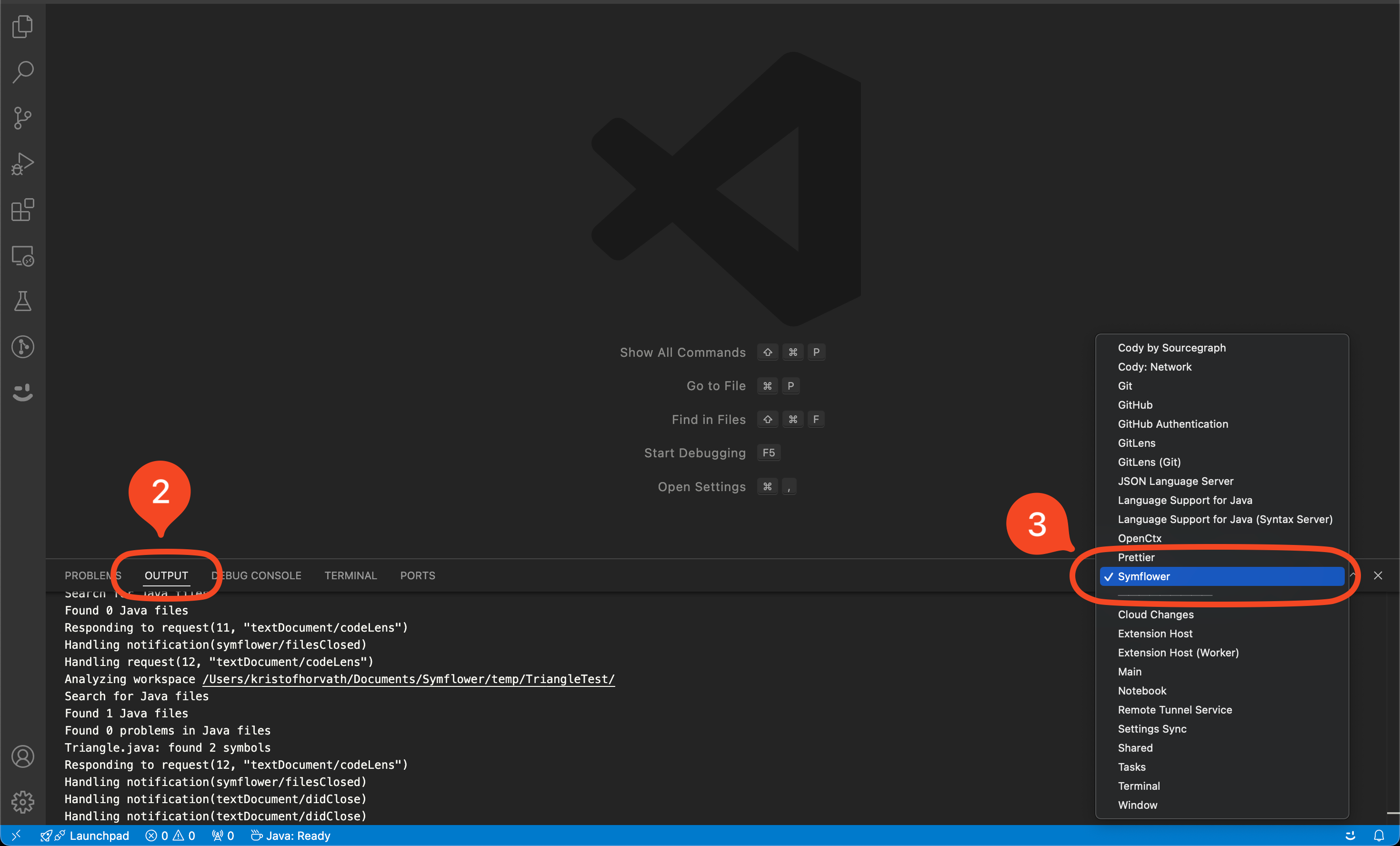
To see the Symflower extension's log, open up the bottom panel by clicking the icons in the bottom left corner of the VS Code window:
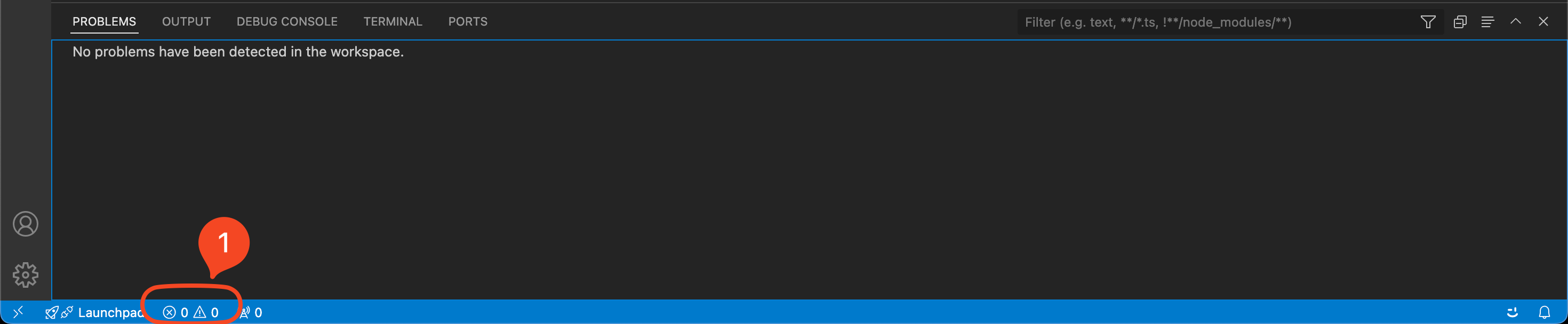
Go to Output
Go to the Output tab and select Symflower from the dropdown menu: